

Best Smart Home Control Apps for iPad
(1) Apple Home App (Free, Built-in)
✔ Best for HomeKit users
✔ Works with Siri voice control
✔ Device grouping & automation
(2) HomeDash (Paid, Best Customization)
✔ Highly customizable dashboard UI
✔ Multi-room device control
✔ Live camera feeds & widgets
(3) Home+ 5 (Advanced HomeKit Automation)
✔ Ideal for complex automation
✔ Supports sensor-based triggers & geofencing
✔ Great for power users
(4) Home Assistant (For Advanced Users)
✔ Best for integrating non-HomeKit devices
✔ Requires a local Home Assistant setup
✔ Supports Zigbee, Z-Wave, and MQTT
5. iPad vs. Dedicated Smart Home Control Panels
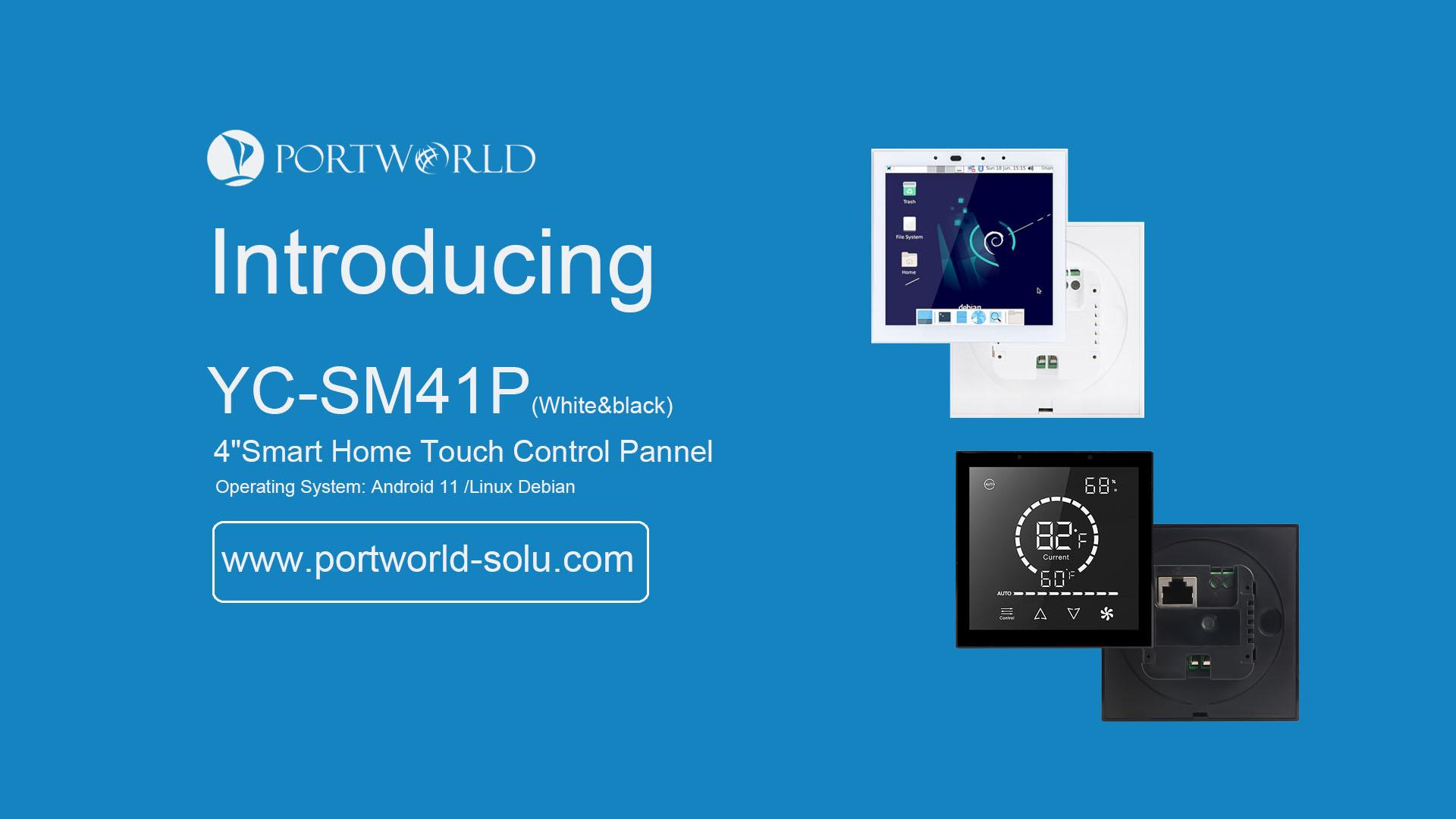
| Feature | iPad as Smart Panel | Dedicated Smart Panel (e.g., Portworld) |
|---|---|---|
| HomeKit Support | ✔ Yes | ✔ Yes (via HomeBridge) |
| Touchscreen Control | ✔ Yes (7.9”-12.9”) | ✔ Yes (4”-10”) |
| Wall-Mountable | ✔ Yes (with accessories) | ✔ Yes (built-in) |
| Always-On Display | ❌ No (Workarounds available) | ✔ Yes |
| Zigbee/Z-Wave Support | ❌ No (Needs HomeBridge) | ✔ Yes (Built-in) |
| Google Assistant/Alexa Support | ❌ No | ✔ Yes |
Which One to Choose?
-
If you only use HomeKit, an iPad smart panel is a great option.
-
If you want Zigbee, Z-Wave, or multi-platform support, a dedicated smart panel like Portworld’s is a better choice.

 English
 Arabic
 French
 Spanish
 Portuguese
 Deutsch
 Turkish
 Dutch
 Russian
 Romaian
 Portuguese (Brazil)
 Greek